Your data always seems to run out at the worst possible moment — during a video call, in the middle of a football match, or just when a group chat gets interesting.
Advertisements
With TEEP, you can buy mobile data for any major Nigerian network in one app, without dialling USSD codes or searching for a recharge card.
Advertisements
Whether you’re topping up your own phone or buying data for someone else, this guide walks you through the process step by step.
What You Need
Before you get started, make sure you have:
- The TEEP app: Download it from the Apple App Store or Google Play.
- A TEEP account: Sign up using the details requested in the app.
- Funds in your TEEP wallet: Add money to your wallet before purchasing data.
How to Buy Data on TEEP in 5 Steps
Step 1: Download TEEP and Sign Up
Download TEEP from the Apple App Store or Google Play Store. Open the app and follow the on-screen instructions to create your account.
Once you’re signed in, you’re ready to get started.
Step 2: Fund Your TEEP Wallet
On your home screen, tap Add Money. Follow the instructions to fund your wallet using the available payment method, such as a bank transfer to your dedicated account number.
Once the funds reflect in your TEEP wallet, you can use them to pay for supported services.
Tip: Keep some funds in your wallet for convenient top-ups whenever you need data, airtime, or other available bill payment services.
Step 3: Select Data
From your home screen, navigate to the Bill Payments section and tap Data.
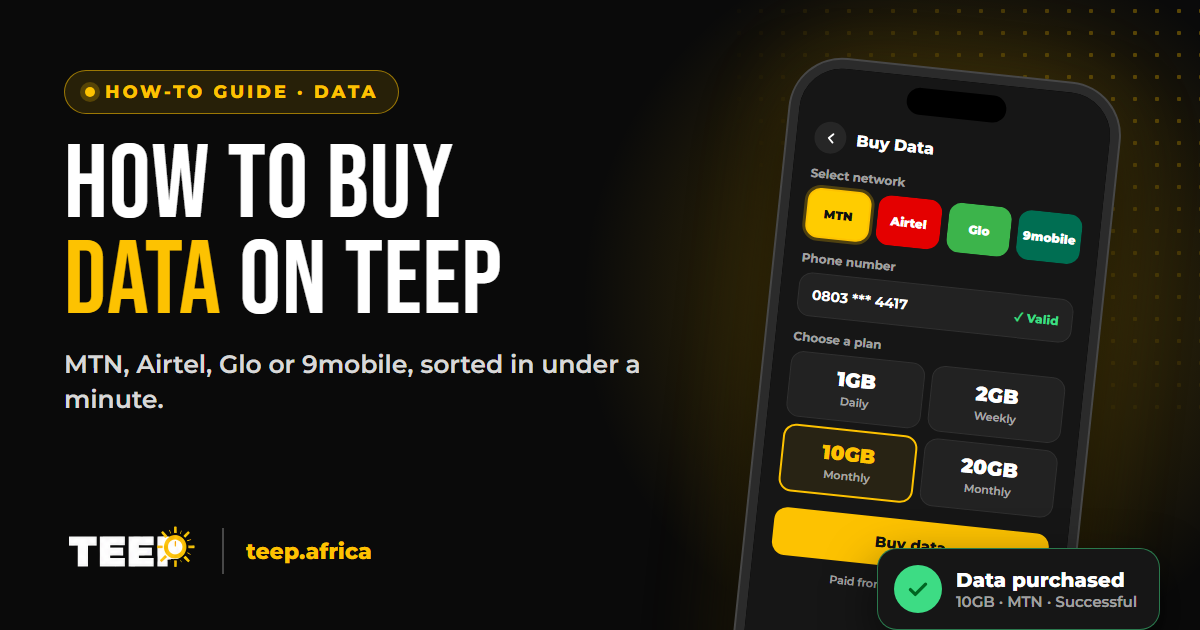
This takes you to the data purchase screen, where you can select your preferred network and bundle.
Step 4: Choose Your Network, Phone Number and Data Plan
Follow these steps to select your data bundle:
- Choose your network: Select your preferred network from the available options, including MTN, Airtel, Glo, or 9mobile.
Advertisements